
Description
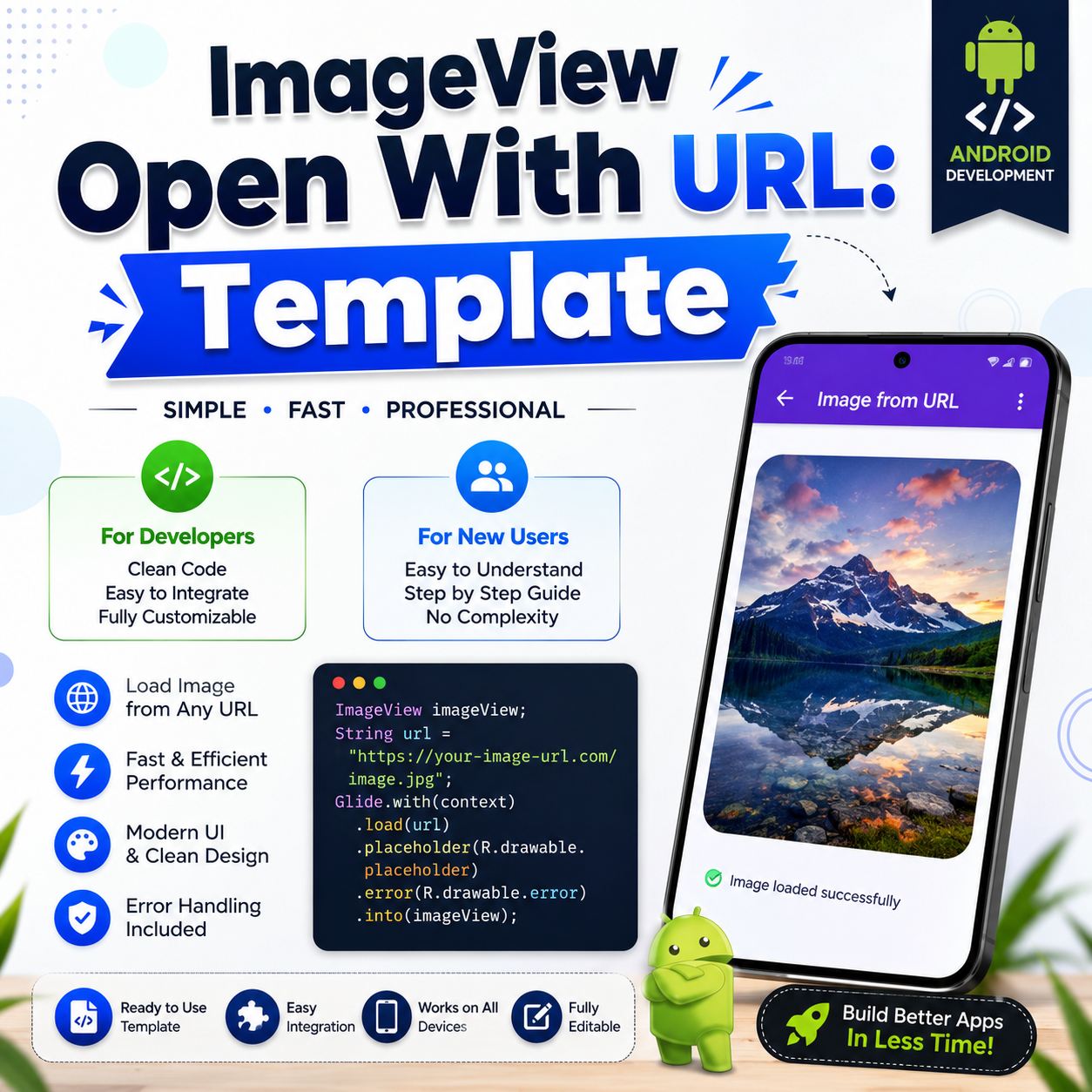
ImageView Open With URL: Template is a ready-to-use Android Studio project that helps developers display images directly from online URLs with clean, optimized, and modern code. Whether you’re a beginner learning Android development or an experienced developer building production apps, this template saves time and simplifies image loading.
🚀 Key Features
- Load images from any HTTP/HTTPS URL.
- Clean and well-structured Android Studio project.
- Beginner-friendly source code with comments.
- Fast image loading using modern libraries (Glide/Picasso compatible).
- Automatic placeholder and error image support.
- Smooth image caching for better performance.
- Responsive UI with Material Design.
- Easy to customize and integrate into any project.
- Works on most Android devices.
- Lightweight and optimized code.
📱 Perfect For
- Android Developers
- Students Learning Android
- Freelancers
- Mobile App Creators
- Beginners & Professionals
📦 What’s Included
- Complete Android Studio Source Code
- XML Layout Files
- Java/Kotlin Implementation (depending on template version)
- Image Loading Logic
- Sample Images & URL Examples
- Step-by-Step Documentation
🎯 Benefits
- Save development time.
- Learn best practices for loading images from the internet.
- Build professional Android applications quickly.
- Easy to modify for your own projects.
- Ready for personal or commercial app development.
⚙ Requirements
- Android Studio (Latest Recommended)
- Internet Connection
- Basic Android Development Knowledge
Start building modern Android applications today with the ImageView Open With URL: Template and display online images effortlessly with clean, efficient, and production-ready code.

Reviews
There are no reviews yet.