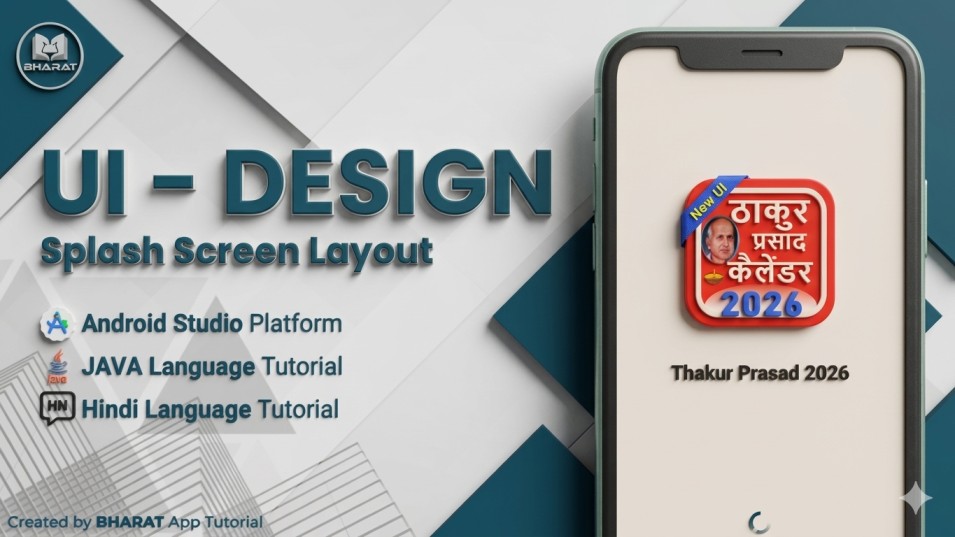
In this blog, we have to create a splash screen to show details in an arranged view in Android Studio. We will provide the latest code UI/UX layout for the user, reliable for the Android App. Before creating the project, we have provided some assets to support its development. Implement the App Color Code in the "colors.xml" file. Here, we have to insert the color code to customise your application project. #0033ff #0033ff #0033ff #0033ff #0033ff #FF000000 #FFFFFF #fff1e1 #10874C #FA7132 #033BE3 #D5FFEA #FFEBE6 #505958 Replace "Action Bar" with "No Action Bar". We need to replace your app toolbar/actionbar to support your app customization system. Import "string.xml" code given below. We need to import some important text string code into a string.xml file. Developed By: BHARAT App Tutorial Insert some assets into the design of the Splash Screen UI Layout. We need some LOGO and Text Image, which is important for this project. So, download Assets now. App Logo Download Now Text Image Download Now Create a "activity_main.xml" UI Design Layout. Implement a "MainActivity.java" File. Implement Variable Code in the Java File. ImageView imageView = findViewById(R.id.logo); ImageView imageView01 = findViewById(R.id.appName); ProgressBar progressBar = findViewById(R.id.progressBar); TextView textView = findViewById(R.id.bottomText); int splashTimeOut = 3500; new Handler().postDelayed(() -> { Intent intent = new Intent(MainActivity.this, HomeActivity.class); startActivity(intent); finish(); }, splashTimeOut); Animation animation = AnimationUtils.loadAnimation(this, R.anim.splash_screen_animation); imageView.startAnimation(animation); imageView01.startAnimation(animation); progressBar.startAnimation(animation); textView.startAnimation(animation);