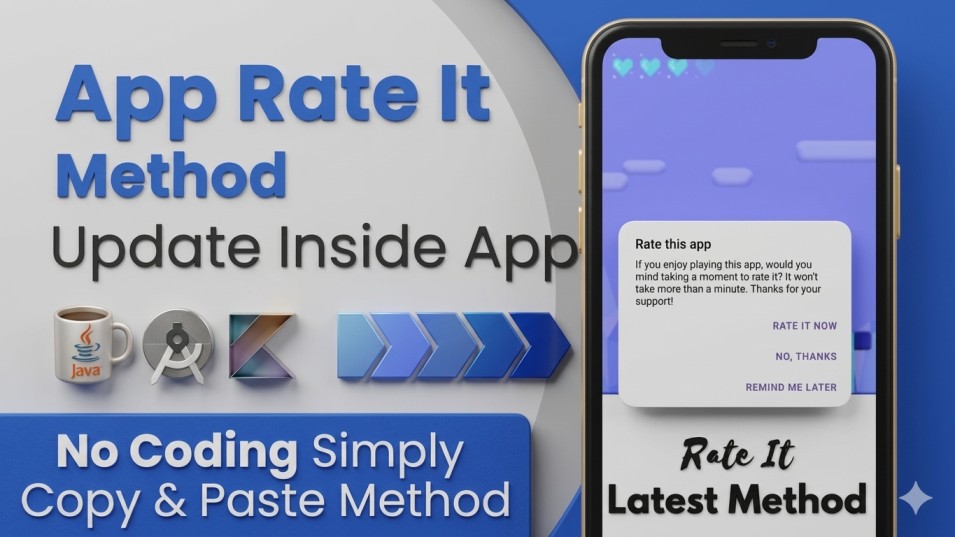
In this blog, we have to create an App Rate Us Dialog Method to update the inside App. So, we have to create an auto App Rate Us Method in Android Studio. Before creating the project, we have provided some assets to support its development. Implement the App Color Code in the "colors.xml" file.Here, we have to insert the color code to customise your application project. #FFBB86FC #FF6200EE #FF3700B3 #FF03DAC5 #FF018786 #FF000000 #FFFFFFFF Replace "Action Bar" with "No Action Bar". Implement the layout code for "activity_main.xml" for demo purposes, as shown below. Implement the Dependency to develop the App Rate Us Dialog given below. // Dependency for Rating Dialog implementation("com.github.hotchemi:android-rate:1.0.1") Implement the Code in the "MainActivity.Java" file given below. Here, we have to create a rate us dialog method. AppRate.with(this) .setInstallDays(1) .setLaunchTimes(1) .setRemindInterval(2) .monitor(); AppRate.showRateDialogIfMeetsConditions(this); Thank You!